Define the editable parts
Use automatically identified part labels or draw regions manually. Set a constraint for each part and protect the details that should stay.


Design collaboration
Choose editable product parts or draw precise regions. Customers describe their changes, AI renders them together, and your team reviews the versions before marking one final.
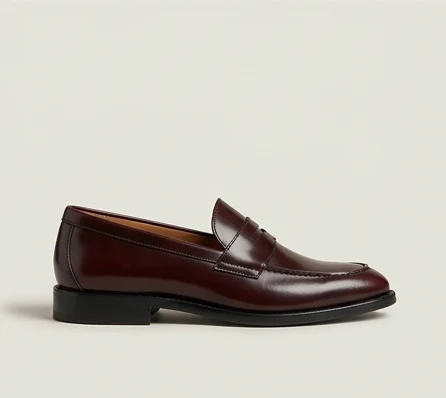
Controlled design collaboration
Automatic mode uses named parts and plain-language requests. Manual mode gives the brand precise editable regions. Both keep the generated versions and their contribution history.
How it works
Use automatically identified part labels or draw regions manually. Set a constraint for each part and protect the details that should stay.
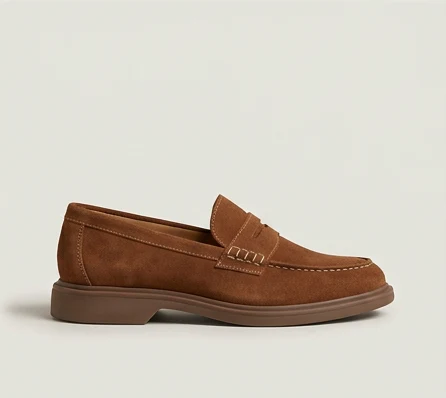
Customers describe an edit or choose an approved part. They can combine changes into one AI render, then request a correction or build on a previous version.
Review each version, who created it, and what they changed. Your brand can mark an eligible version as final. Agencies can work through the same shared process.
Generated versions
Invite participants
Share your campaign link on Instagram, Facebook, TikTok, email, or wherever your customers spend time. Embed it in your Shopify store. Invite the Demoverse app community to participate too.

 Your campaign link
Keep exploring
Let customers render their own version.
Develop new concepts with your customers.
Let customers create in their own language.
See the pages customers would change.
Credit contributors and their designs.
Demoverse Studio